Translation Service for Documents: How to Pick (2026 Guide)
Choosing a translation service for documents in 2026: compare DeepL, Google Translate, Adobe Acrobat AI, and AnyLangPDF on accuracy, format preservation, and cost.
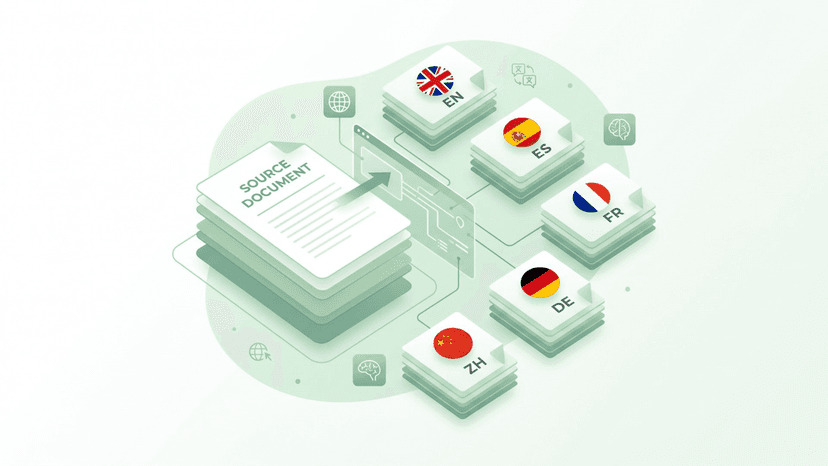
A translation service for documents is not the same thing as a translation tool that copies pasted text. The defining job is to take a whole file (a PDF, a DOCX, a slide deck) and return a translated file that still looks like the original. In 2026 the four services that actually compete for this work are DeepL, Google Translate, Adobe Acrobat AI, and AnyLangPDF. They do not all do the same thing, and picking the wrong one can cost you an afternoon of manual reformatting.
This guide walks through what each service does well, where it breaks, and a five-point checklist to decide which one fits your document.
What “Translation Service for Documents” Actually Means
The phrase covers three different patterns:
- Text translation pasted into a document. The cheapest path. You copy the text out, run it through Google Translate or DeepL, paste it back, and reformat by hand. Works for one short paragraph. Falls apart at scale.
- File upload to a generic translator. Google Translate and DeepL both accept document uploads. They return translated text, sometimes with rough layout, never with full fidelity for PDFs.
- Dedicated document translation service. Tools built specifically to translate PDFs (and other documents) while preserving columns, tables, images, and page structure. AnyLangPDF sits here.
The first two are free. The third costs money but saves hours when the document needs to be shared, printed, or filed.
The Four Services Compared
Google Translate
Free, accepts PDF and Word up to 10MB or 300 pages, supports 130+ languages. Returns translated text with the layout largely discarded. Good for understanding a document in another language. Bad for redistributing it.
DeepL
Higher translation quality than Google for European languages. Free tier translates documents up to 5MB with a monthly cap. Paid tiers raise limits and add glossaries. Format preservation is better than Google but still imperfect for PDFs with tight layouts. See the DeepL vs AnyLangPDF comparison for side-by-side output.
Adobe Acrobat AI Assistant
Adobe added an AI Assistant to Acrobat in 2024, but it does not natively translate a PDF into another language in a single action. It summarizes, extracts, and answers questions. For actual translation, you still extract text, translate it elsewhere, and rebuild formatting. The full Adobe analysis covers why this gap persists.
AnyLangPDF
Built around the document translation use case specifically. Preserves columns, tables, images, headers, and page structure. Supports scanned PDFs with OCR. Costs about €0.125 per document, pay-per-use with no subscription. Returns a single shareable link where the reader picks their preferred language. Designed for documents that need to look professional in the translated version.
The Five-Point Checklist
Before paying for any service, score it against your actual document:
- Format preservation. Upload a sample. Does the output look like the input, or is it a wall of reflowed text? This single test decides whether the service works for documents you share.
- File size and page limits. Google caps at 10MB and 300 pages. DeepL free caps at 5MB. Check your typical file size before committing.
- Supported languages. 50 languages is enough for most. 100+ matters if you serve Asian or African markets. Check for regional variants (Brazilian vs European Portuguese, Simplified vs Traditional Chinese).
- OCR for scanned PDFs. If your source is a scan, generic services skip the image-only pages. Specialized services run OCR first.
- Distribution. Do you need to send 12 separate translated files or one link? A one-link share saves the version-control mess that kills most multilingual document projects.
Decision Framework
If the document is short, internal, and disposable: Google Translate. If translation quality matters but layout does not (research notes, legal text for review): DeepL. If you need a finished, formatted, shareable PDF in another language: a specialized document translation service. The cost difference (a few dollars per document) is dwarfed by the time it would take to rebuild formatting by hand.
Try AnyLangPDF on your document. It is a paid, pay-per-use tool from about €0.125 per document, with no subscription, so you only pay for what you translate.
Related Articles on PDF Translation and Localization
Best PDF Translation Service: What Reddit Actually Says (2026)
Tired of conflicting Reddit threads? We aggregated what real users say about the best PDF translation services in 2026, from DeepL to AnyLangPDF.
Best Free AI PDF Translator in 2026 (Honest Comparison)
Looking for a free AI PDF translator? We compare what is actually free, what has hidden limits, and which tool gives you the best result without paying.
Google Translate PDF (2026): Upload Limit, Failures + Fixes
Google Translate PDF upload limit is 10MB and 300 pages, plus serious formatting issues. See when it works and find better PDF translation alternatives in 2026.
