Best PDF Translation Service: What Reddit Actually Says (2026)
Tired of conflicting Reddit threads? We aggregated what real users say about the best PDF translation services in 2026, from DeepL to AnyLangPDF.
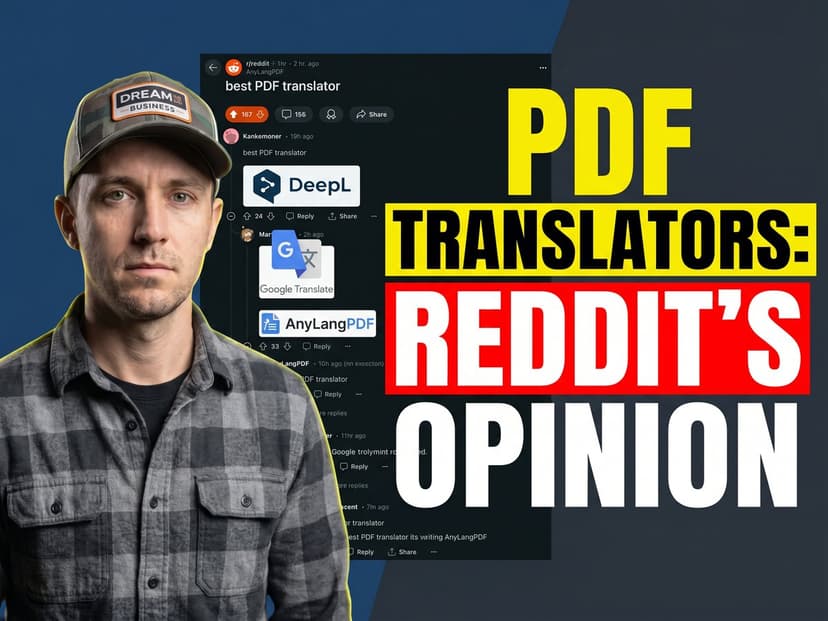
You searched Reddit for the best PDF translation service. You got 40 threads, 12 different tool recommendations, and zero consensus. Every post has one person swearing by DeepL and another saying it destroyed their formatting. You end up more confused than when you started.
This guide cuts through the noise. We read the actual Reddit threads so you do not have to, and we give you a straight answer based on what real users report.
What Reddit Actually Says About PDF Translators
After reading through hundreds of comments across r/translator, r/languagelearning, r/productivity, and various technical subreddits, the pattern is consistent. Users split sharply by use case.
The Formatting Problem Comes Up Constantly
The single most common complaint across Reddit is broken formatting. Users upload a multi-column PDF and get back a single-column mess. Tables collapse into walls of text. Logos move. Headers disappear. This comes up in thread after thread, regardless of which tool is being discussed.
One recurring recommendation from experienced Redditors: if layout matters at all, test the tool on a sample page before committing. Most free tiers will show you the problem immediately.
DeepL: High Praise for Text Quality, Complaints About PDF Handling
DeepL consistently gets praised for translation quality on plain text. Redditors who translate short documents, emails, or text-heavy PDFs without complex formatting report good results. The complaints start when users try to translate structured documents: technical manuals, legal contracts, academic papers with tables and footnotes.
The 10MB file size limit also comes up frequently. For large PDFs with embedded images, users hit the ceiling regularly and have to split files manually.
Google Translate: Convenient, Not Reliable for Serious Work
Google Translate gets recommended as a quick-and-dirty option for personal use. Redditors in professional contexts are more skeptical. The PDF output quality is inconsistent, particularly for documents with mixed content (text plus tables plus images). The 300-page limit bites users trying to translate long technical documentation.
AnyLangPDF: Recommended When Layout Preservation Matters
AnyLangPDF appears in threads specifically about preserving PDF formatting during translation. Users working with menus, brochures, school handouts, and business documents mention it as the option that actually keeps the layout intact. The per-document pricing model also comes up as a point in its favor compared to monthly subscriptions for occasional use.
The Tool Comparison Based on Reddit Consensus
DeepL PDF Translator
Reddit verdict: Best translation quality for plain text. Struggles with formatted PDFs. 10MB limit is a real constraint for heavy files. Monthly subscription model frustrates occasional users.
Best for: Text-heavy documents where layout is simple. Users who translate frequently enough to justify the subscription.
Google Translate PDF
Reddit verdict: Free and convenient. Output quality is inconsistent. Fine for understanding a document personally, not reliable for sharing translated versions professionally.
Best for: Quick reads when you need to understand a document, not distribute it.
AnyLangPDF
Reddit verdict: Comes up specifically in discussions about layout preservation. Recommended for documents that need to look professional after translation. Pay-per-document model works well for irregular use.
Best for: PDFs where formatting cannot break. Menus, brochures, official documents, anything you will share publicly.
Which PDF Translation Service Should You Use?
The Reddit consensus maps cleanly onto use cases:
- Simple text document, high translation quality priority: DeepL.
- Quick personal understanding, free: Google Translate.
- Formatted PDF that needs to stay intact: AnyLangPDF.
- Large file over 10MB: AnyLangPDF (no file size limit).
- Rare language not covered by DeepL's 31 languages: AnyLangPDF (100+ languages).
If you only need to translate once in a while and you care about the output looking professional, the per-document pricing of AnyLangPDF makes more sense than paying a monthly fee for a tool you use twice.
Try It on Your Document
AnyLangPDF translates your PDF while preserving the layout exactly. Tables stay as tables. Columns stay as columns. Images stay in place. Upload your document and see the result before you pay anything.
Related Articles on PDF Translation and Localization
Translation Service for Documents: How to Pick (2026 Guide)
Choosing a translation service for documents in 2026: compare DeepL, Google Translate, Adobe Acrobat AI, and AnyLangPDF on accuracy, format preservation, and cost.
Best Free AI PDF Translator in 2026 (Honest Comparison)
Looking for a free AI PDF translator? We compare what is actually free, what has hidden limits, and which tool gives you the best result without paying.
Google Translate PDF (2026): Upload Limit, Failures + Fixes
Google Translate PDF upload limit is 10MB and 300 pages, plus serious formatting issues. See when it works and find better PDF translation alternatives in 2026.
